Why Your Google Ads Get Clicks but No Leads: 10 Fixes
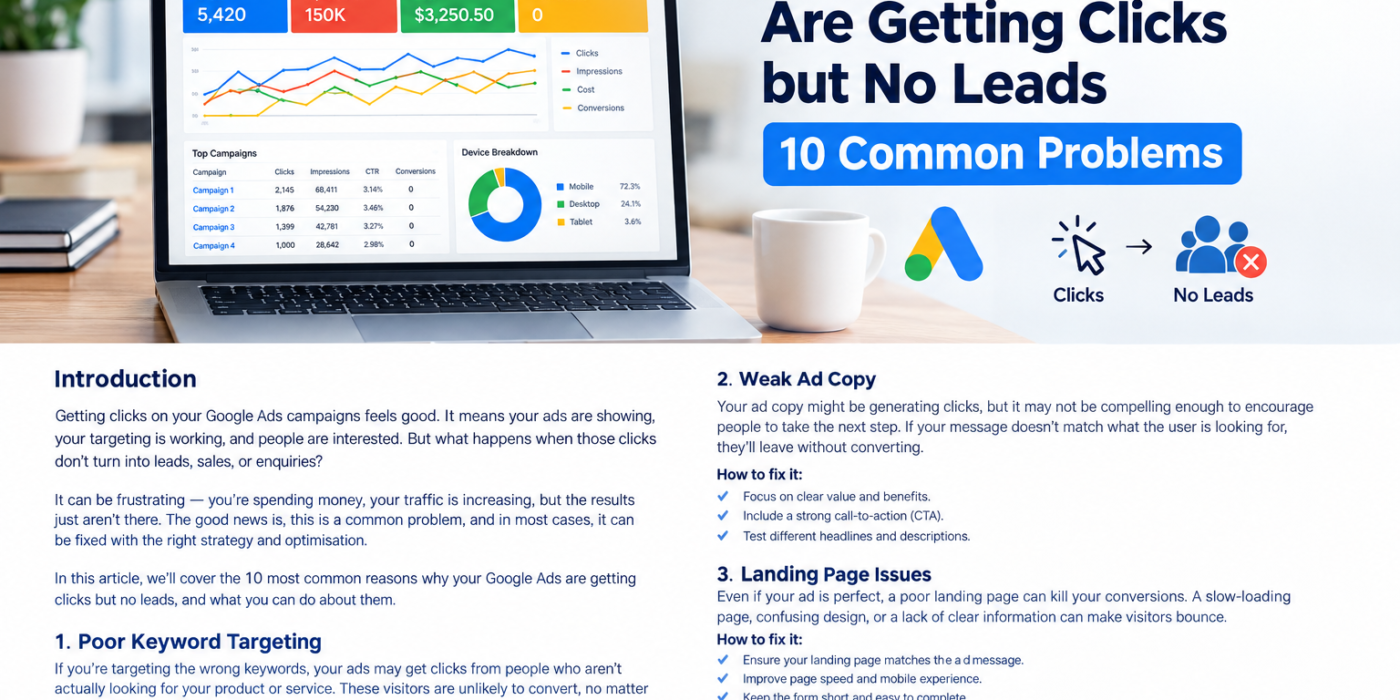
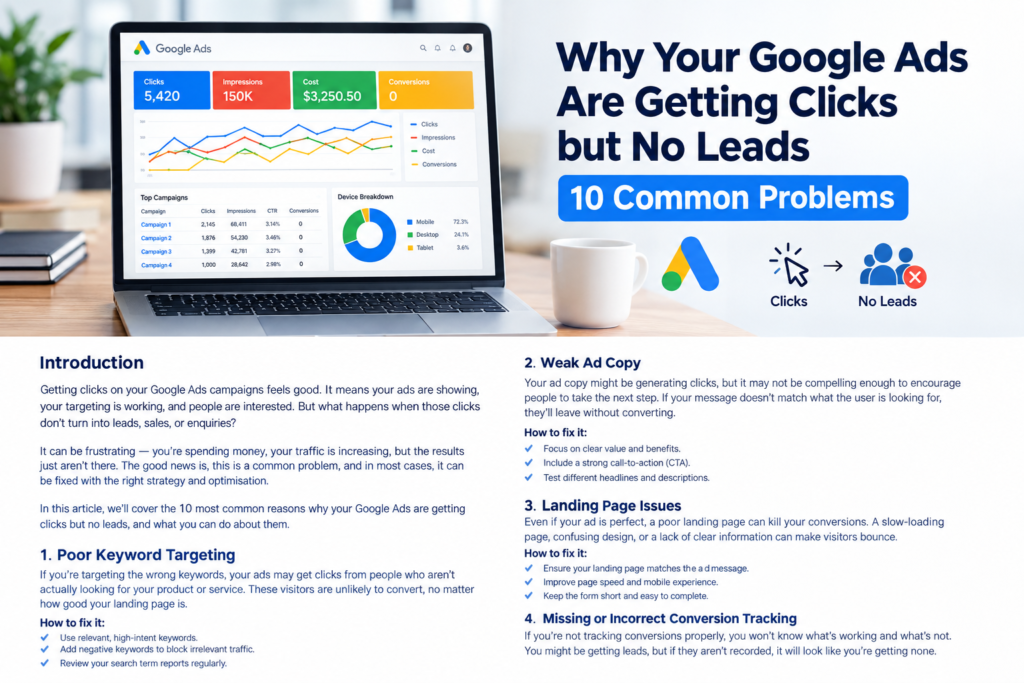
You are getting clicks on your Google Ads, your advertising budget is being spent, and people are visiting your website. But there is one major problem: you are not getting enough leads, enquiries, phone calls, or sales.
If this sounds familiar, you are not alone. Many businesses invest in Google Ads expecting a steady flow of potential customers, only to discover that traffic does not always translate into business results.
The problem is not necessarily Google Ads itself. Your campaigns might be attracting the wrong audience, targeting irrelevant keywords, sending visitors to a poorly optimized landing page, or failing to track conversions correctly.
The good news is that these problems can often be identified and fixed through a structured campaign audit.
In this guide, we will explore 10 common reasons why your Google Ads are getting clicks but no leads, explain how to diagnose each problem, and share practical steps to improve your campaign performance.
Why Are My Google Ads Getting Clicks but No Leads?
Google Ads clicks show that people are interacting with your advertisements. However, a click does not automatically mean that someone is interested in buying your product or hiring your services.
Successful lead generation requires several things to work together:
- Your ads must reach the right audience.
- Your keywords must match the intent of potential customers.
- Your ad copy must communicate a relevant and compelling offer.
- Your landing page must encourage visitors to take action.
- Your conversion tracking must accurately record leads.
- Your sales process must turn enquiries into customers.
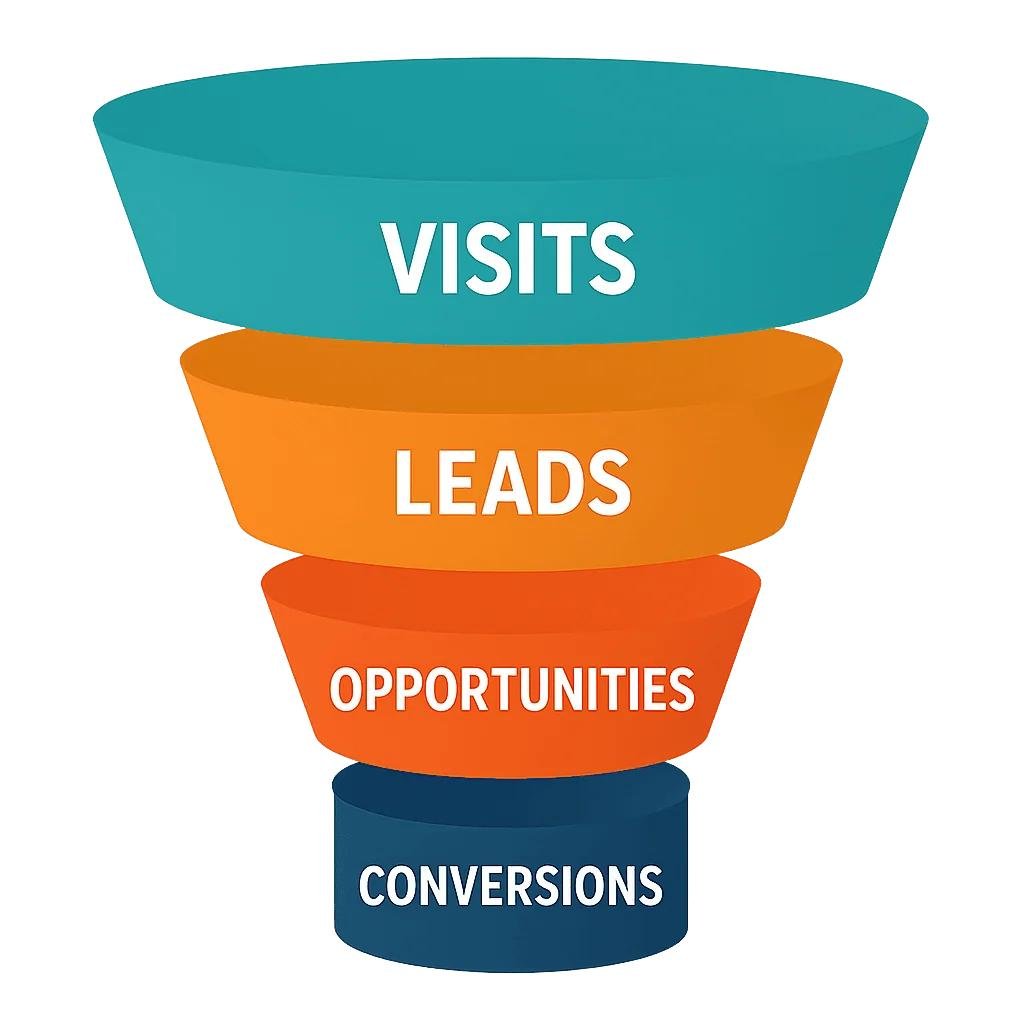
If any part of this process is broken, you could spend money attracting visitors without generating meaningful business opportunities.
Let’s look at the 10 most common problems and how to fix them.
1. Your Google Ads Targeting Is Too Broad
One of the most common reasons for receiving clicks without leads is targeting an audience that is too broad.
You might be getting website traffic, but many visitors may not be potential customers. They could be outside your service area, looking for something different, or simply researching a topic without any intention of making a purchase.
For example, imagine that you provide emergency plumbing services in London.
If your campaign reaches people across the entire United Kingdom, you could pay for clicks from users who cannot use your services. Similarly, advertising to people searching for general plumbing information might generate traffic without generating enquiries.
How to fix broad targeting
Review your location targeting.
If your business serves specific cities, regions, or postal codes, make sure your campaigns focus on those areas.
Check the location options in your campaign settings. Where appropriate, select the option that focuses on people who are in or regularly in your targeted locations rather than people who merely show interest in them.
Review your audience settings.
For Search campaigns, remember that audience segments set to observation generally provide reporting without restricting who can see your ads. If you want to restrict reach, you need to use the appropriate targeting settings.
Separate different customer groups.
Consider creating separate campaigns or ad groups for different locations, services, and customer types when their keywords, offers, or budgets need different treatment.
Use audience data intelligently.
Review the performance of relevant audience segments, devices, locations, and customer groups. Use the data to make decisions instead of narrowing your audience without evidence.
The goal is not to get the fewest clicks. It is to attract the people most likely to become customers.
2. You Are Targeting the Wrong Keywords
Keyword selection has a direct impact on the quality of traffic your Google Ads campaigns generate.
If your keywords are too general or do not reflect the services you offer, your ads can attract people who are unlikely to convert.
For example, a company selling premium accounting software might receive clicks from searches such as “what is accounting,” “accounting homework help,” or “free accounting lessons.”
These searches may be related to accounting, but the users may not be looking for business software.
Compare them with more commercially relevant searches such as:
- Accounting software for small businesses
- Best accounting software for contractors
- Buy accounting software for a small company
- Business accounting software pricing
The right keywords depend on your offer, your target market, and what your potential customers are trying to accomplish.
How to fix keyword selection
Focus on search intent.
Organize keywords according to whether users are researching a topic, comparing solutions, or actively looking to purchase a product or service.
Use keyword match types appropriately.
Broad match can help discover relevant searches, but it can also match queries that are not suitable for your business. Phrase and exact match can provide additional control over keyword targeting.
Choose match types based on your conversion data, campaign strategy, and ability to monitor search quality.
Review your Search terms report.
In Google Ads, open your Search terms report to identify the actual queries that triggered your ads.
Look for searches that are unrelated to your services, indicate the wrong purchase intent, or repeatedly spend money without generating useful outcomes.
Build a negative keyword list.
Depending on your business, potentially irrelevant terms might include “jobs,” “salary,” “course,” “DIY,” “free,” or “tutorial.”
Do not automatically exclude these words across every campaign. Check the context first, because some businesses legitimately offer free consultations, training, or employment-related services.
Prioritize high-intent searches.
If your budget is limited, consider prioritizing the keywords most closely connected to your main products or services before expanding into broader research-oriented terms.
3. Your Ad Copy Is Attracting the Wrong Clicks
Your ads might be getting a good click-through rate but generating few leads because the messaging attracts curiosity rather than qualified prospects.
An advertisement can receive clicks simply because it contains a catchy headline, an attractive offer, or a broad promise. That does not mean visitors will find what they need after reaching your website.
For example, an ad that says “Get the Cheapest Marketing Services Today” might attract bargain hunters, even if your business specializes in premium marketing services.
Likewise, promising a service that your landing page does not actually offer can create a mismatch between expectations and reality.
How to improve your ad copy
Make your offer clear.
Tell potential customers what you provide, who you help, and what makes your service relevant.
Match your ad to the keyword.
If someone searches for commercial cleaning services, your ad should focus on commercial cleaning rather than generic cleaning solutions.
Set realistic expectations.
Make sure your pricing claims, service availability, guarantees, and promotional offers are accurate.
Highlight meaningful differentiators.
Depending on your business, these might include specialist expertise, service coverage, transparent pricing, flexible appointments, or a relevant warranty.
Use specific calls to action.
Examples include:
- Request a Free Quote
- Book a Consultation
- Get a Project Estimate
- Schedule a Service
- Compare Available Plans
Use a call to action that matches the next step you actually want a prospective customer to take.
Finally, evaluate ad performance using qualified leads and business outcomes—not click-through rate alone.
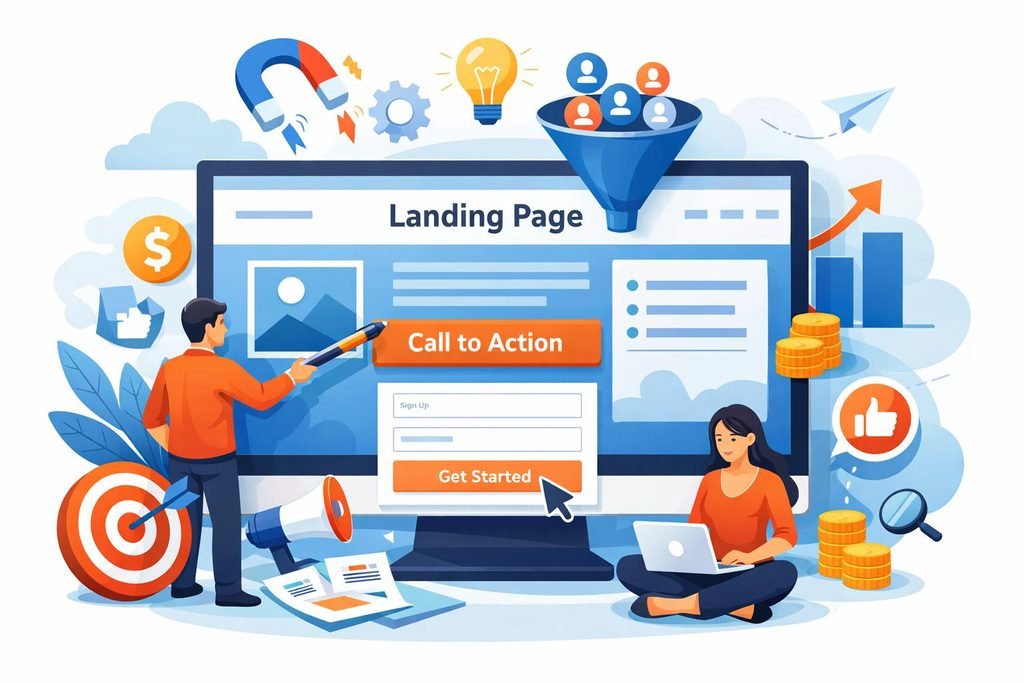
4. Your Landing Page Is Not Optimized for Conversions
Your landing page is where visitors decide whether to take the next step.
Even a well-targeted campaign can underperform if the destination page is confusing, slow, difficult to navigate, or unclear about what the visitor should do.
Common landing page problems include:
- A headline that does not match the ad.
- Too much text without a clear structure.
- No visible phone number or enquiry form.
- Forms that request unnecessary information.
- Poor mobile usability.
- Slow page loading.
- Weak calls to action.
- Missing pricing or service information.
- Limited evidence of business credibility.
Imagine someone clicks an ad for “Google Ads Management Services.” If the landing page only displays a generic homepage with several unrelated services, the visitor may struggle to find the information they need.
How to improve your landing page
Match the page to the advertisement.
Use a headline that directly reflects the service, product, or offer mentioned in the ad.
Make the next step obvious.
Place a clear call to action near the top of the page. Repeat it where appropriate for longer pages.
Simplify your forms.
Ask only for the information you need to respond to an enquiry. Depending on your business, this could include a name, email address, phone number, and a short description of the requirement.
Build trust.
Display genuine testimonials, relevant case studies, business details, credentials, and clear service information where appropriate.
Optimize the mobile experience.
Check that text is readable, buttons are easy to tap, forms work correctly, and important information is visible on smaller screens.
Test page speed.
Use Google PageSpeed Insights to identify performance issues and prioritize improvements that affect real users.
Test different versions.
Experiment with headlines, calls to action, form lengths, and page layouts. Change one important element at a time where possible, and evaluate results using enough data to make a reasonable decision.
Your landing page should make it easy for the right visitor to understand your offer and take the next step.
5. Your Conversion Tracking Is Broken or Incomplete
Sometimes Google Ads appears to generate no leads because conversion tracking is not configured correctly.
This is particularly important when you receive enquiries through forms, phone calls, appointment bookings, or other actions that happen outside the initial website visit.
Possible tracking problems include:
- Google Ads conversion tags are missing.
- Google Tag Manager triggers are configured incorrectly.
- Form submissions are not recorded.
- The wrong conversion action is marked as primary.
- A tag fires when someone clicks a button without completing the intended action.
- Duplicate tags count one lead multiple times.
- Consent settings prevent some measurements from being recorded.
- Phone calls are not tracked correctly.
- Offline sales or qualified leads are not imported into Google Ads.
How to diagnose conversion tracking problems
Step 1: Review your conversion actions.
Open Goals or the Conversions section in Google Ads, depending on your interface. Check which actions are marked as primary and whether they reflect meaningful business outcomes.
Step 2: Test your forms.
Submit a genuine test enquiry on your website and check whether the expected confirmation page, event, or conversion action is recorded.
Step 3: Use Google Tag Manager Preview mode.
If you use Google Tag Manager, inspect whether the relevant tags fire when the intended actions occur.
Step 4: Check Google Analytics 4.
Review relevant events and key events in GA4, and confirm that the implementation is consistent with your measurement plan.
Step 5: Check phone call tracking.
If calls are important to your business, verify that your call reporting and website call tracking are configured appropriately.
Step 6: Investigate lead quality.
A recorded form submission is not necessarily a qualified lead. If possible, compare Google Ads conversion data with your CRM or actual sales records.
Accurate tracking is essential because Google’s automated bidding strategies use the conversion signals you provide. If those signals are incorrect or incomplete, optimization can become less effective.
6. Your Website Does Not Build Enough Trust
Potential customers may click your ads but hesitate to contact you if your website does not look credible or answer their questions.
This is especially important for businesses selling expensive products, professional services, financial services, home improvement, healthcare, or other services that require customers to place significant trust in a provider.
Visitors may want to know:
- Is this business legitimate?
- Does it serve my location?
- Does it have experience with my requirements?
- What will the service cost?
- What happens after I submit the form?
- Can I see examples of previous work?
- How can I contact the business?
If these questions remain unanswered, a visitor may leave without converting.
How to build credibility
Display genuine customer reviews.
Use authentic testimonials and reviews that comply with applicable platform policies.
Show relevant experience.
Case studies, portfolio examples, qualifications, and clear explanations of your process can help customers understand your expertise.
Make contact information visible.
Provide appropriate business contact details, service locations, and opening hours.
Explain your pricing or quote process.
If you cannot provide fixed pricing, explain what determines the cost and how customers can obtain an estimate.
Create useful service pages.
Describe each major service in enough detail to help prospective customers understand whether it meets their needs.
Keep your website consistent.
Your ads, website, business name, offers, and contact details should provide a coherent experience.
Trust is not simply a design feature. It is part of the decision-making process that turns website visitors into enquiries.
7. You Are Not Using Relevant Ad Assets
Ad assets, previously called ad extensions, can provide additional information alongside eligible Google Search ads.
Depending on the campaign and available formats, these may include sitelinks, callouts, structured snippets, call assets, location assets, and image assets.
Without relevant assets, your ads may miss opportunities to communicate useful information or give customers a more direct route to the page or action they need.
How to improve your ad assets
Add sitelinks.
Direct visitors to relevant pages, such as pricing, services, case studies, contact information, or frequently asked questions.
Use callouts.
Highlight genuine benefits such as flexible scheduling, free estimates, specialist services, or customer support.
Add structured snippets.
Where suitable, use them to present categories of services, product types, or other supported details.
Consider call assets.
If phone enquiries matter to your business, use the appropriate call functionality and configure call measurement.
Use location assets where relevant.
For eligible businesses with physical locations, location assets can help users find business information and locations.
Remember that adding more assets does not automatically guarantee more leads. Use assets that support your offer and help customers take meaningful next steps.
8. Your Bidding Strategy Does Not Match Your Goals
Your bidding strategy influences how Google Ads participates in auctions and what it optimizes for.
A campaign may generate clicks without enough leads if the strategy, campaign objective, conversion setup, or available data does not align with your business goals.
For example, a campaign using Maximize Clicks is designed to seek clicks within its constraints. It does not directly optimize for lead submissions in the same way a conversion-focused strategy does.
How to improve your bidding strategy
Choose a strategy that matches your objective.
If your primary goal is lead generation, consider whether Maximize Conversions or Target CPA is appropriate for your campaign and measurement setup.
Ensure your conversion actions are meaningful.
Automated bidding needs reliable signals. Prioritize actual lead submissions or other meaningful outcomes instead of treating every page view or button interaction as a valuable lead.
Review your conversion volume and quality.
If conversion data is limited, investigate tracking and campaign fundamentals before making aggressive bidding changes.
Use Target CPA carefully.
A target that is too restrictive relative to actual performance may limit delivery. Set targets using realistic expectations and available historical data.
Consider your budget.
Your daily budget, competition, conversion rates, and expected cost per lead all influence the results you can achieve.
Do not change bidding strategies simply because one day produces no conversions. Evaluate performance over a suitable period and consider conversion delays, data volume, and the nature of your sales cycle.
9. Competition and Market Conditions Are Affecting Performance
Sometimes your campaign setup is reasonable, but external factors make lead generation more difficult.
Your competitors may be increasing their bids, offering more attractive deals, improving their landing pages, or investing more heavily in advertising.
Seasonality, changes in customer demand, pricing, economic conditions, and shifts in search behavior can also affect results.
For example, a home renovation company may receive plenty of searches during one period but fewer enquiries during another. A B2B service with a long sales cycle may generate clicks today while its prospects take several weeks to make a decision.
How to respond to competition
Review Auction Insights.
Where enough data is available, use Auction Insights to understand which advertisers overlap with your campaigns and how your visibility compares.
Monitor impression share.
Review search impression share and lost impression share due to budget or rank to understand whether your campaign is missing eligible auction opportunities.
Improve your value proposition.
Consider whether your offer clearly explains why customers should choose your business over alternatives.
Review pricing and service information.
Make sure prospective customers can understand what they receive, what is included, and how to proceed.
Investigate demand trends.
Compare performance across relevant periods and examine changes in search demand before assuming that the campaign itself has deteriorated.
Measure business outcomes.
A higher cost per click is not necessarily a problem if the campaign produces profitable customers. Likewise, inexpensive clicks are not valuable if they never turn into business.
The objective is to improve the economics of lead generation, not simply to win more auctions.
10. You Are Not Testing and Optimizing Your Campaign Regularly
Google Ads is not a set-and-forget advertising platform.
Even a well-structured campaign can lose effectiveness as customer behavior, competition, search demand, and website performance change.
If you rarely review your account, you may miss irrelevant search terms, broken forms, declining conversion rates, or campaigns that spend heavily without generating qualified enquiries.
How to build an optimization routine
Review search terms regularly.
Identify irrelevant queries and add suitable negative keywords.
Evaluate performance by campaign and ad group.
Look for areas where spending is not translating into meaningful outcomes.
Compare device performance.
Investigate whether mobile, desktop, or tablet visitors behave differently. Check that the website works correctly across devices before making targeting changes.
Review location performance.
Identify whether the locations you target produce relevant enquiries and business opportunities.
Test ad messaging.
Use relevant variations to evaluate different benefits, offers, and calls to action.
Audit landing pages.
Check that forms, phone numbers, page links, and calls to action continue to work correctly.
Review conversion quality.
Where possible, connect lead generation data with CRM outcomes, sales opportunities, or completed purchases.
Keep a record of changes.
Document important adjustments and review their impact. Avoid making numerous unrelated changes simultaneously, as this can make results difficult to interpret.
Optimization should be driven by evidence rather than constant changes made in response to short-term fluctuations.
How to Diagnose Your Google Ads Problem Step by Step
If your campaigns are generating clicks but no leads, use this process to identify the most likely cause.
Step 1: Confirm that your website can generate leads
Visit your landing pages on desktop and mobile. Submit a test enquiry, check the phone number, and verify that the expected next step works.
Step 2: Verify conversion tracking
Use the available Google Ads diagnostics, Tag Assistant, Google Tag Manager Preview mode, and GA4 reports to investigate missing or duplicated events.
Step 3: Review your search terms
Look at the queries that triggered your ads. Identify irrelevant traffic, informational searches, and searches that do not match your offer.
Step 4: Evaluate the landing page
Check message relevance, page speed, mobile usability, trust signals, form usability, and the clarity of the call to action.
Step 5: Review your campaign settings
Check locations, language, networks, budget, bidding strategy, keyword match types, and other settings relevant to your campaign.
Step 6: Compare leads with actual business results
If conversions are recorded, determine whether they represent genuine enquiries and whether those enquiries are qualified.
Step 7: Prioritize changes by impact
Fix broken tracking, forms, and major targeting problems before spending time on smaller design or copy changes.
Step 8: Measure the results
Monitor conversion rate, cost per lead, lead quality, and downstream sales outcomes over an appropriate period.
This structured approach helps you avoid wasting budget on changes that do not address the underlying problem.
Google Ads Lead Generation Metrics You Should Monitor
Clicks and impressions are useful diagnostic metrics, but they do not tell the whole story.
For lead generation campaigns, monitor the following metrics.
Click-through rate (CTR): The percentage of impressions that result in clicks. It helps you understand how often people click after seeing your ad.
Conversion rate: The percentage of relevant ad interactions or clicks that result in a recorded conversion, depending on the metric definition being used.
Cost per lead (CPL): Your advertising cost divided by the number of leads generated. Ensure that the leads being counted are meaningful and that you use a consistent measurement period.
Cost per qualified lead: Your advertising cost divided by the number of leads that meet your qualification criteria.
Lead-to-customer rate: The percentage of leads that eventually become customers.
Customer acquisition cost (CAC): The cost of acquiring a customer, calculated using a clearly defined scope of advertising and other relevant acquisition expenses.
Return on ad spend (ROAS): The conversion value attributed to advertising divided by advertising spend. For lead generation, use meaningful values and appropriate attribution rather than assuming that every lead has equal revenue value.
Search impression share: The percentage of eligible Search impressions your ads received.
These metrics help you distinguish between a campaign that attracts traffic and one that creates measurable business value.
A Practical Example: From Clicks to Qualified Leads
Imagine a local service business spends $1,000 on Google Ads during a month and receives 500 clicks.
Its average cost per click is $2.
However, the campaign generates only five enquiries.
The basic results are:
- Advertising spend: $1,000
- Clicks: 500
- Average CPC: $2
- Leads: 5
- Conversion rate: 1%
- Cost per lead: $200
The business should not immediately assume that its bids are too high or that it needs more clicks.
Instead, it should investigate whether the campaign is attracting relevant searches, whether the landing page communicates the offer effectively, and whether conversion tracking is accurate.
For illustration, suppose the business makes improvements and subsequently generates 15 leads from the same 500 clicks, with the same $1,000 advertising spend.
Its conversion rate would increase to 3%, and its cost per lead would fall to approximately $66.67.
These figures are hypothetical, not a guarantee of what any campaign will achieve. They demonstrate why improving conversion performance can be as important as increasing traffic.
The business should also evaluate lead quality and how many enquiries turn into paying customers before deciding whether the campaign is profitable.
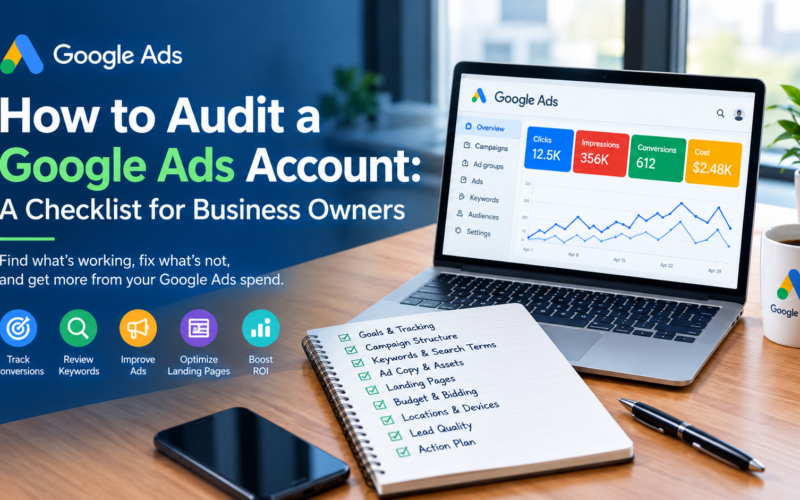
Google Ads Lead Generation Audit Checklist
Use this checklist when reviewing a campaign that receives clicks but generates few or no leads.
Campaign setup
- Location targeting matches the service area.
- Keywords match the products or services offered.
- Search terms are reviewed for irrelevant traffic.
- Negative keywords are used appropriately.
- Budget and bidding strategy match the campaign objective.
- Network and other campaign settings have been reviewed.
Ads and messaging
- Headlines reflect relevant search intent.
- Ad copy accurately represents the offer.
- Calls to action are clear.
- Relevant ad assets are configured.
- Pricing and promotional claims are accurate.
Landing page
- The page matches the ad and keyword.
- The main offer is clear above the fold.
- Contact details are visible.
- Forms work correctly.
- The mobile experience is usable.
- Page performance has been checked.
- Trust signals and relevant service information are present.
Conversion tracking
- Primary conversion actions reflect meaningful outcomes.
- Form submissions are recorded correctly.
- Phone calls are tracked where relevant.
- Duplicate or misleading conversions have been investigated.
- Google Ads and GA4 measurement have been checked.
- Lead quality can be assessed using CRM or sales data where available.
Ongoing optimization
- Cost per lead is monitored.
- Qualified leads are distinguished from unqualified enquiries.
- Search terms and campaign performance are reviewed regularly.
- Important changes are documented.
- Results are evaluated over an appropriate period.
Frequently Asked Questions
1. Why are my Google Ads getting clicks but no conversions?
Common causes include irrelevant keywords, overly broad targeting, weak ad messaging, landing page problems, a difficult enquiry process, and broken conversion tracking. Start by testing your website and verifying measurement before making major campaign changes.
2. How long should I wait before judging Google Ads performance?
There is no universal waiting period. Consider your budget, traffic volume, conversion delays, sales cycle, and the amount of reliable data available. Check for technical problems immediately, but avoid drawing strong conclusions from a very small sample of clicks.
3. What is a good conversion rate for Google Ads?
There is no single conversion rate that is good for every business. Performance varies by industry, keyword intent, offer, location, device, and landing page. Compare your results with relevant historical performance and focus on qualified leads and profitability.
4. Should I pause Google Ads if I am not getting leads?
Not automatically. First check whether the campaign is tracking conversions correctly, attracting relevant traffic, and sending visitors to a functional landing page. If a campaign is spending significantly without meaningful results, consider limiting or pausing the affected activity while you investigate.
5. Can landing page optimization improve Google Ads results?
Yes. A more relevant, trustworthy, and usable landing page can help more suitable visitors complete an enquiry. However, results depend on the existing problems, audience quality, offer, and other factors.
6. Why does Google Ads show conversions when I have not received any enquiries?
Possible explanations include incorrect conversion triggers, duplicate events, button clicks being counted as leads, or a mismatch between online tracking and your actual enquiry process. Audit the conversion setup and compare recorded events with genuine submissions or calls.
7. Is Maximize Clicks a good bidding strategy for lead generation?
Maximize Clicks focuses on obtaining clicks within your bidding constraints, rather than directly optimizing for lead conversions. For campaigns with reliable conversion tracking, a conversion-focused strategy may be more appropriate. The right choice depends on your objectives, data, and account circumstances.
8. How can I reduce my Google Ads cost per lead?
Improve search relevance, exclude unsuitable traffic, strengthen the landing page, repair tracking issues, and evaluate bidding based on reliable conversion data. Also measure qualified leads and sales so that cost reductions do not come at the expense of lead quality.
9. Do I need a separate landing page for every Google Ads campaign?
Not necessarily. However, each campaign should send visitors to a page that closely matches their search intent and the advertised offer. Separate landing pages can be useful when services, audiences, or offers require substantially different messaging.
10. When should I hire a Google Ads specialist?
Consider professional help when you cannot identify why performance is poor, tracking is unreliable, spending is substantial, or you need a structured strategy for improving lead quality and acquisition costs. A thorough audit can help identify the most important issues to address first.
Final Thoughts
Getting clicks but no leads from Google Ads can be frustrating, but it does not automatically mean that paid search is unsuitable for your business.
The real challenge is identifying where the customer journey is breaking down.
Start with the fundamentals: target the right audience, select relevant keywords, write accurate and persuasive ads, optimize your landing pages, and ensure that conversion tracking measures genuine outcomes.
Then review performance consistently and connect advertising data with actual business results.
Remember, the objective is not simply to generate more clicks. It is to attract relevant prospects, generate qualified enquiries, and turn your advertising investment into measurable business growth.
Need Help Fixing Your Google Ads Campaigns?
If your Google Ads campaigns are generating clicks but not enough leads, a professional campaign audit can help identify opportunities to improve targeting, keyword selection, ad messaging, landing page performance, and conversion tracking.
I provide Google Ads setup, management, audits, and optimization focused on helping businesses improve campaign efficiency and generate more meaningful results.
Visit FahadZahid.com to learn more about my Google Ads services or get in touch to discuss your campaign challenges.
Stop focusing only on clicks. Start optimizing for qualified leads and business growth.